Preparing your learning space...
100% through Creating Databases tutorials
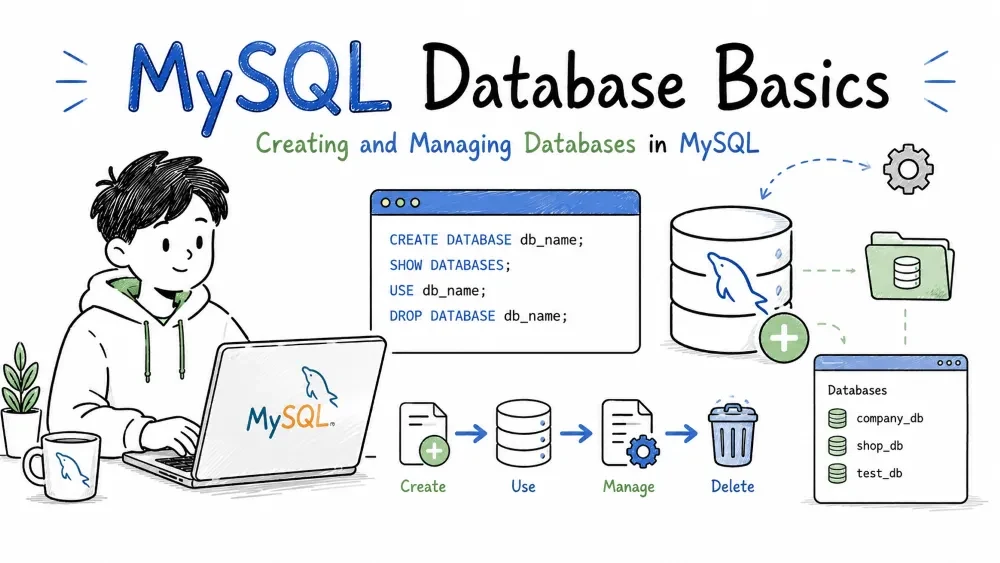
A database is a container that holds your tables, views, procedures, and other objects. This tutorial covers how to create, view, switch between, remove, rename, and back up databases in MySQL.
Before you can store data in tables, you need a database to hold them.
CREATE DATABASE bookstore;
This creates an empty database named bookstore. No tables yet — just the container.
With character set and collation:
CREATE DATABASE bookstore
  CHARACTER SET utf8mb4
  COLLATE utf8mb4_unicode_ci;
utf8mb4 supports emoji and special characters. utf8mb4_unicode_ci tells MySQL how to sort and compare text. Set these at creation — changing them later on a populated database is painful.
See what databases exist on the server.
SHOW DATABASES;
Output:
+--------------------+
| Database           |
+--------------------+
| bookstore          |
| information_schema |
| mysql              |
| performance_schema |
| sys                |
+--------------------+
The last four are system databases — leave them alone.
Tell MySQL which database you want to work with.
USE bookstore;
Every table you create or query from now on lives in bookstore — until you USE another one.
If you skip this step and run a query without specifying a database, you'll get:
ERROR 1046 (3D000): No database selected
Permanently removes a database and everything inside it — tables, data, views, stored procedures, everything. There is no undo.
DROP DATABASE bookstore;
Safety first:
DROP DATABASE IF EXISTS bookstore;
IF EXISTS prevents an error if the database doesn't exist. Use this in scripts.
MySQL does not have a RENAME DATABASE command. Use this workaround instead:
CREATE DATABASE new_bookstore;
RENAME TABLE bookstore.authors TO new_bookstore.authors;
RENAME TABLE bookstore.books TO new_bookstore.books;
-- repeat for every table
DROP DATABASE bookstore;
Backups create a file you can restore later if something goes wrong.
Creating a backup — mysqldump (command line, not SQL):
mysqldump -u root -p bookstore > bookstore_backup.sql
This creates a .sql file with all the CREATE TABLE and INSERT statements needed to rebuild the database. You'll be prompted for the MySQL root password.
Restoring from a backup:
mysql -u root -p bookstore < bookstore_backup.sql
If the database doesn't exist yet, create it first, then restore.
| Action | Command |
|---|---|
| Create | CREATE DATABASE db_name; |
| List | SHOW DATABASES; |
| Use | USE db_name; |
| Drop | DROP DATABASE db_name; |
| Drop (safe) | DROP DATABASE IF EXISTS db_name; |
| Rename | See workaround above |
| Backup | mysqldump -u root -p db_name > backup.sql |
| Restore | mysql -u root -p db_name < backup.sql |
Creating, dropping, and backing up databases usually require admin privileges. If you get a permissions error, ask your database administrator.
Save your progress and earn XP for completing tutorials.
Keep learning
Technology
SQL
Lesson group
Creating Databases
Progress
100% complete

