Preparing your learning space...
75% through AI for daily life tutorials
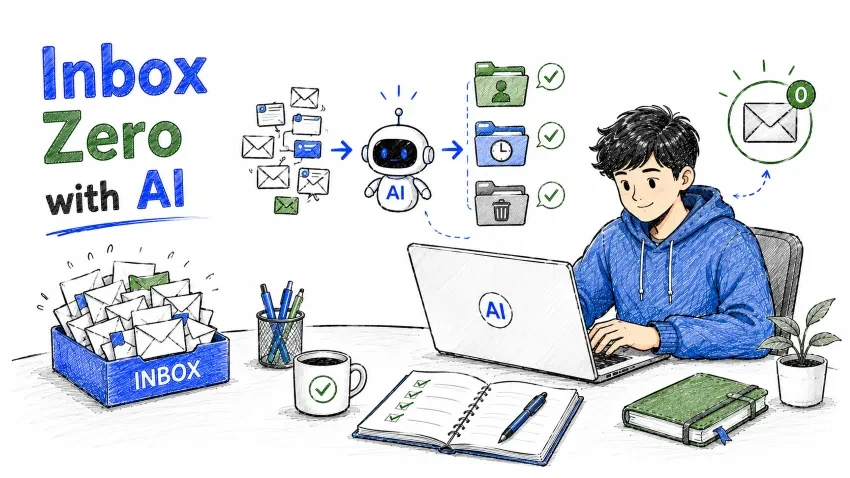
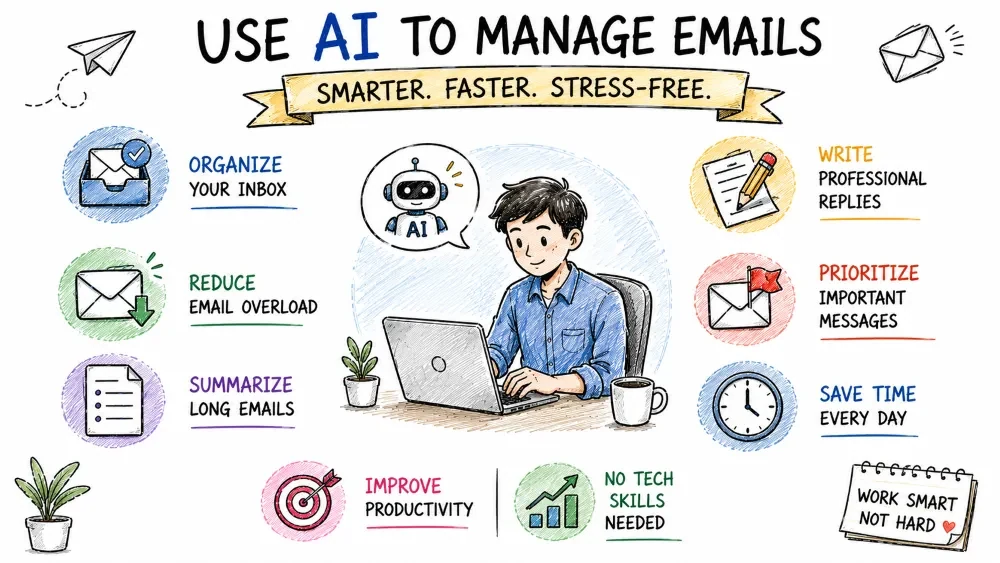
In this tutorial, you will learn how to use AI to:
You do not need technical knowledge to start.
Inbox Zero is a productivity method where you keep your email inbox clean and organized.
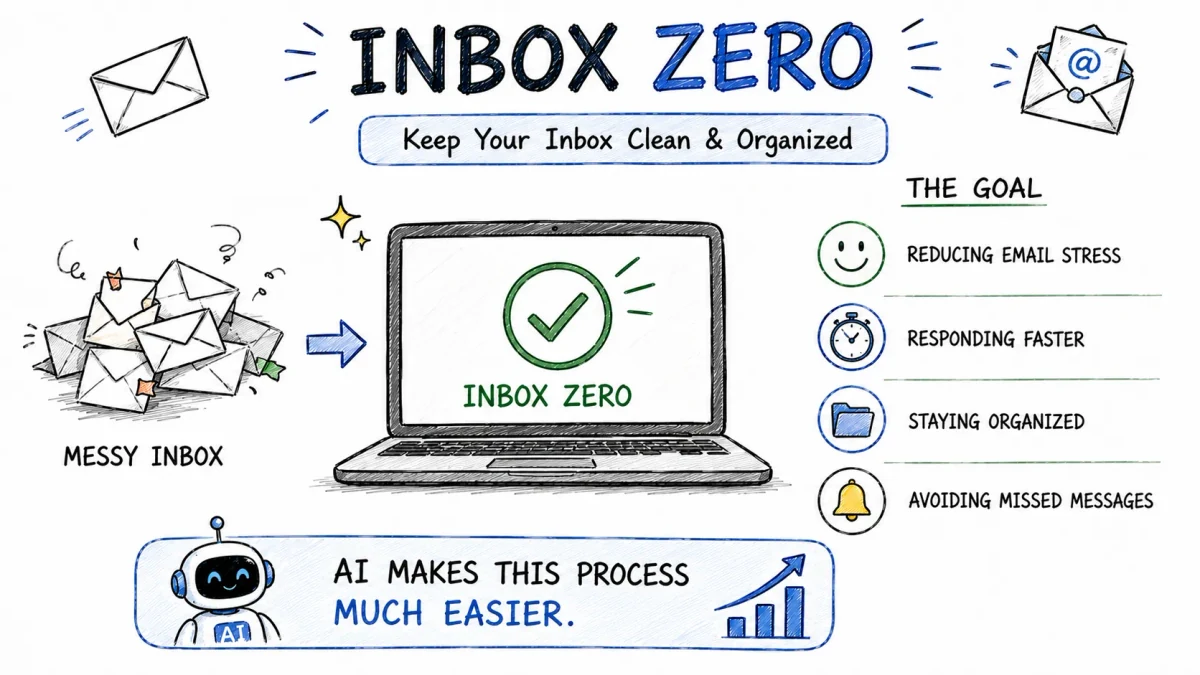
The goal is NOT literally having zero emails all the time.
The goal is:
AI makes this process much easier.
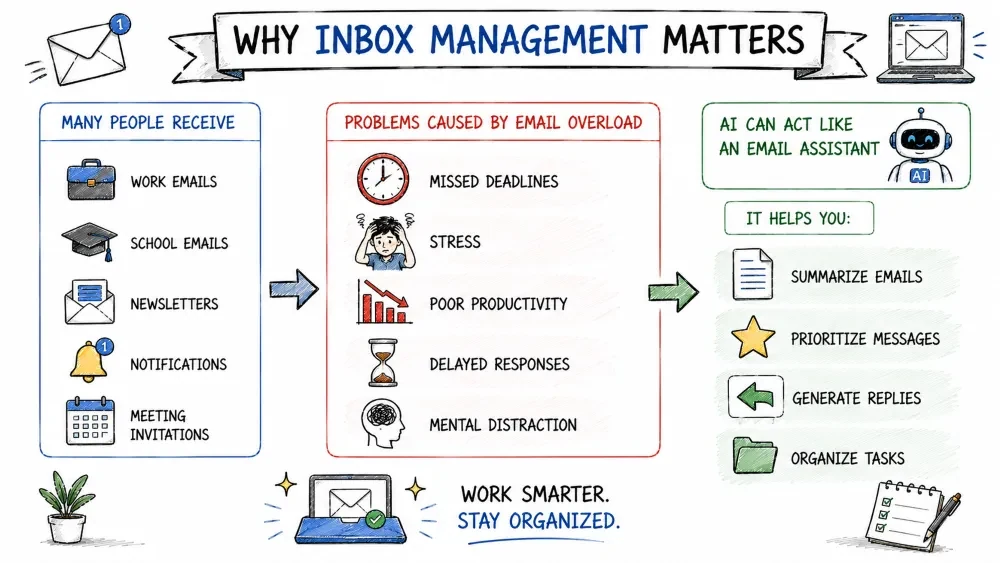
Many people receive:
AI can act like an email assistant.
It helps you:
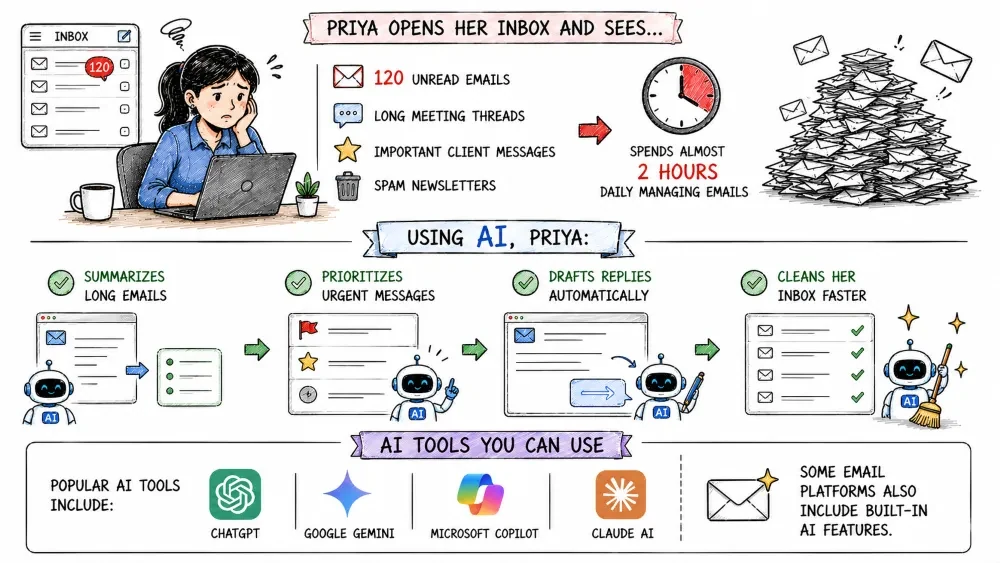
Priya opens her inbox and sees:
She spends almost 2 hours daily managing emails.
Using AI, Priya:
Popular AI tools include:
Some email platforms also include built-in AI features.
One of the best AI features is email summarization.
Instead of reading a long email manually, ask AI to summarize it.
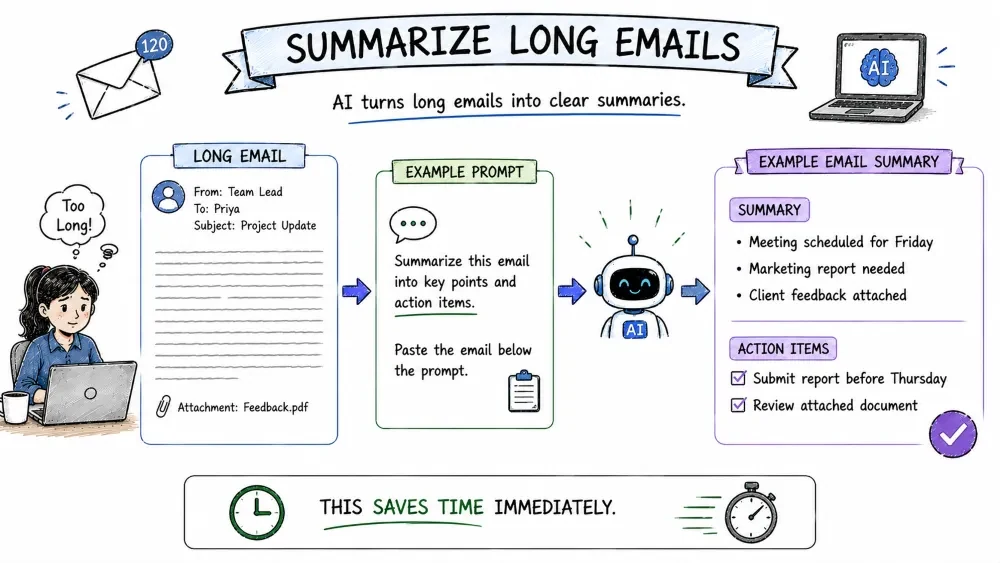
Summarize this email into key points and action items.
Paste the email below the prompt.
This saves time immediately.
Not every email is equally important.
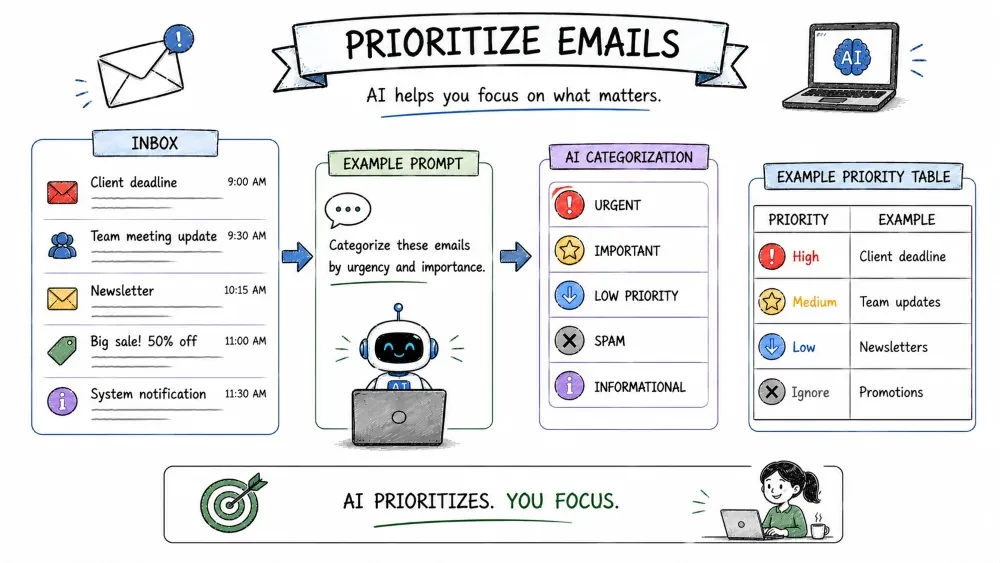
AI can help classify emails into:
Categorize these emails by urgency and importance.
| Priority | Example |
|---|---|
| High | Client deadline |
| Medium | Team updates |
| Low | Newsletters |
| Ignore | Promotions |
AI can draft email replies quickly.
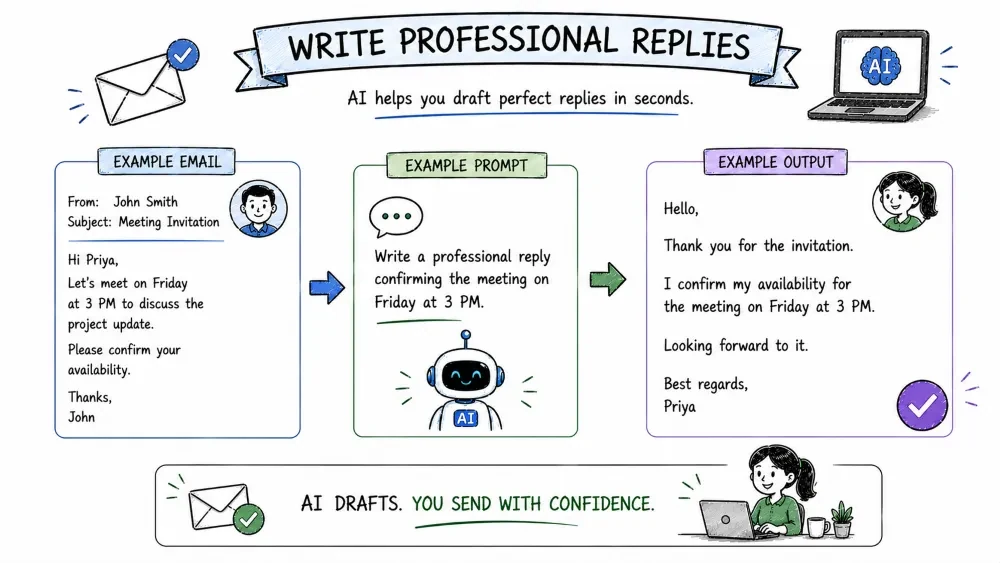
Write a professional reply confirming the meeting on Friday at 3 PM.
Hello,

Thank you for the invitation.

I confirm my availability for the meeting on Friday at 3 PM.

Looking forward to it.

Best regards,
Priya
AI helps improve communication tone.
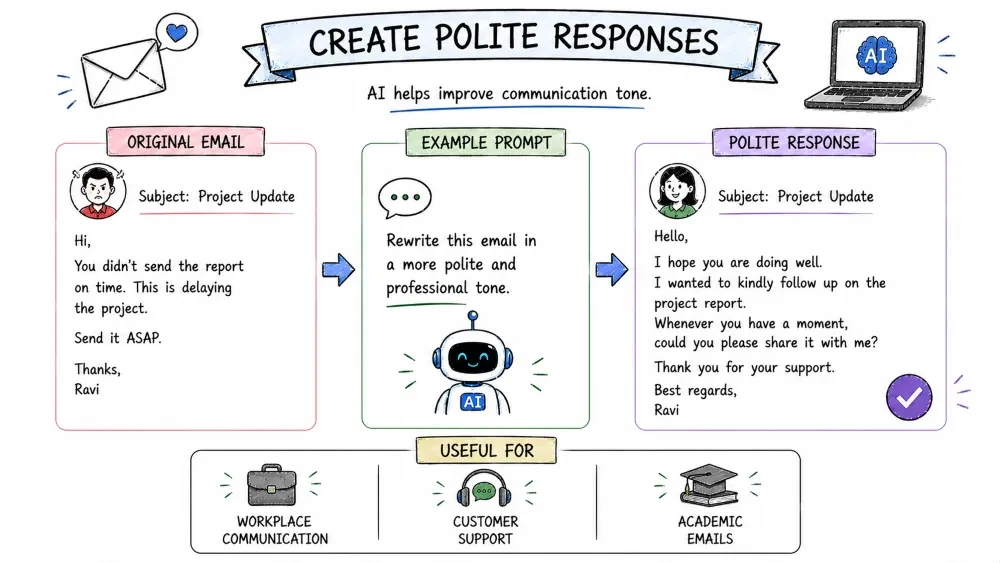
Rewrite this email in a more polite and professional tone.
Useful for:
Many inboxes are filled with:
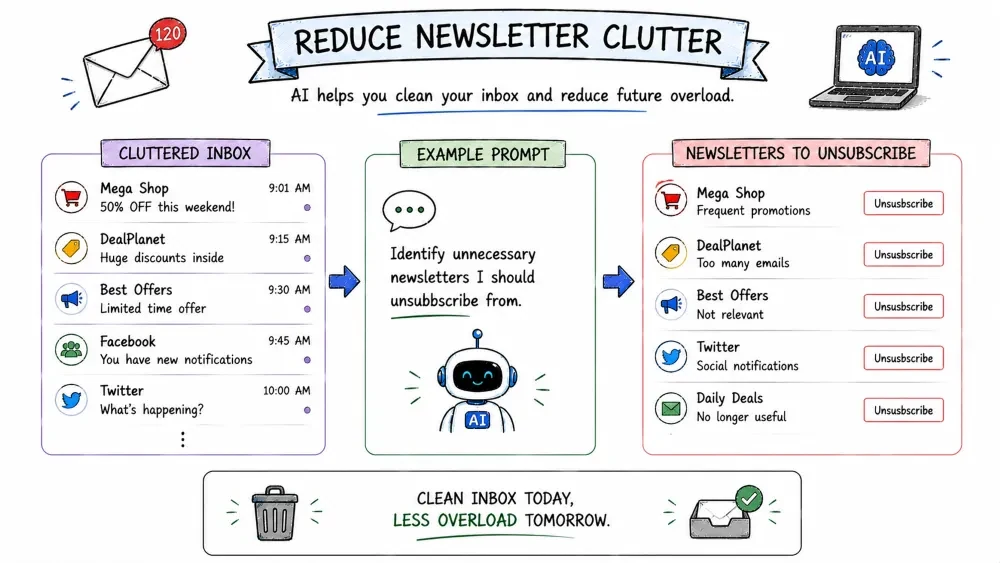
Identify unnecessary newsletters I should unsubscribe from.
This helps reduce future email overload.
AI can convert emails into action lists.
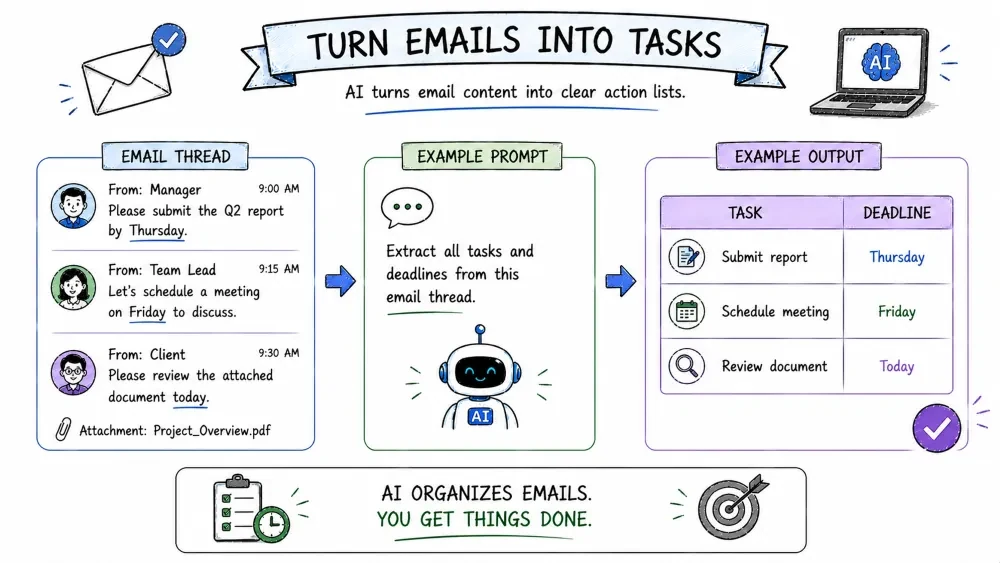
Extract all tasks and deadlines from this email thread.
| Task | Deadline |
|---|---|
| Submit report | Thursday |
| Schedule meeting | Friday |
| Review document | Today |
Meeting emails often contain:
AI can organize everything automatically.
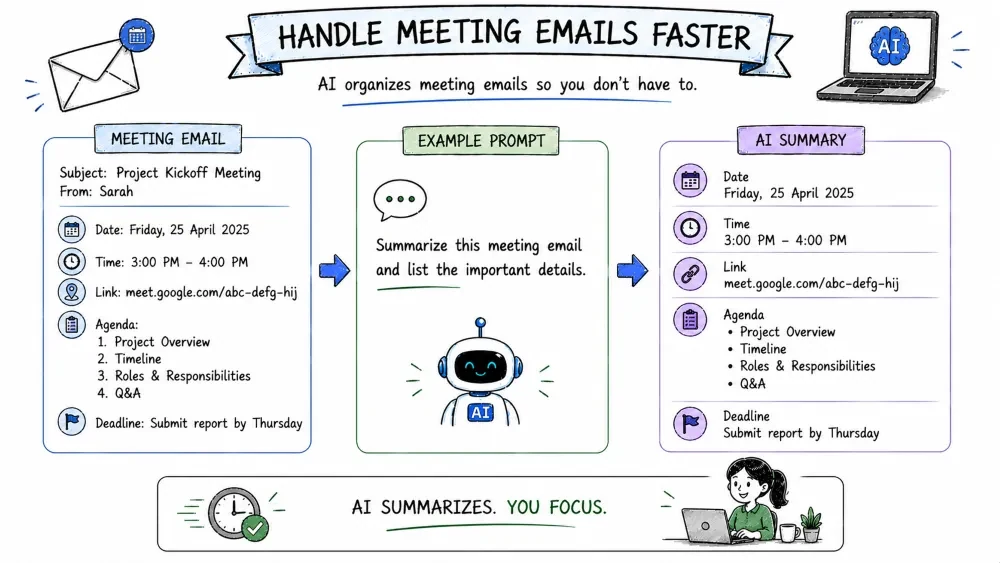
Summarize this meeting email and list the important details.
Businesses can use AI to:
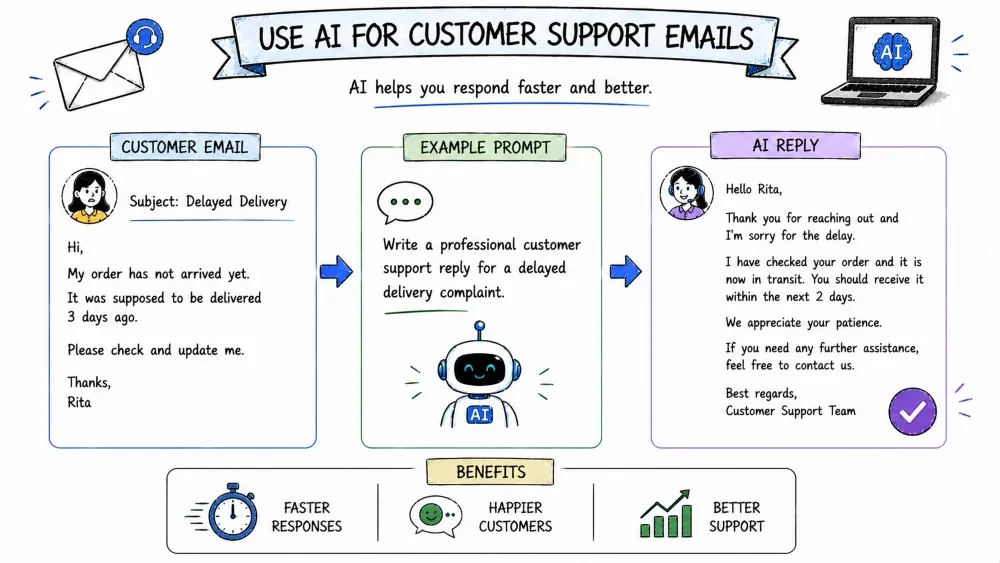
Write a professional customer support reply for a delayed delivery complaint.
Students receive:
AI can help students:
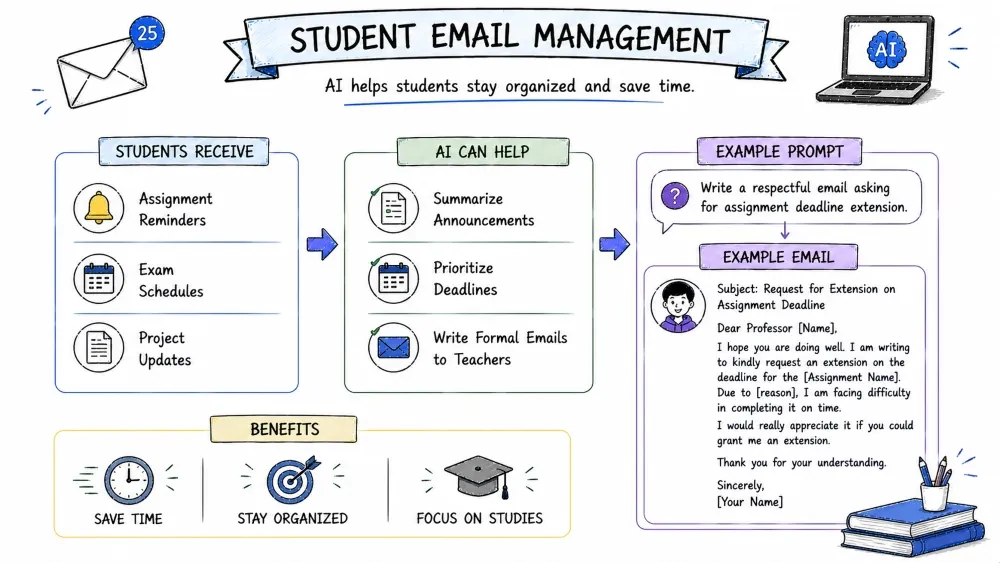
Write a respectful email asking for assignment deadline extension.
Professionals can use AI to:
AI is especially useful for:
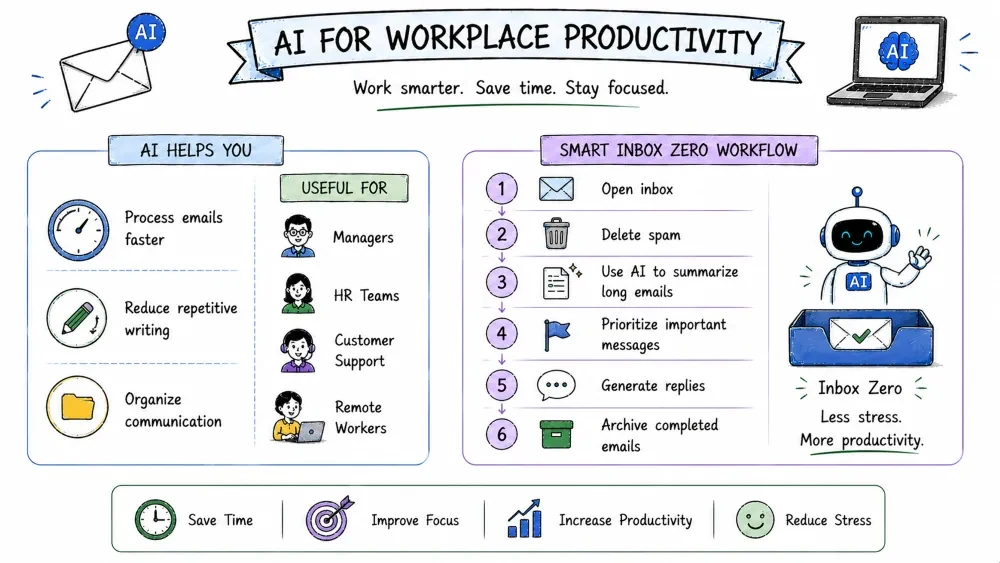
Here is a simple AI-powered workflow:
| Step | Action |
|---|---|
| 1 | Open inbox |
| 2 | Delete spam |
| 3 | Use AI to summarize long emails |
| 4 | Prioritize important messages |
| 5 | Generate replies |
| 6 | Archive completed emails |
Doing this daily reduces inbox stress.
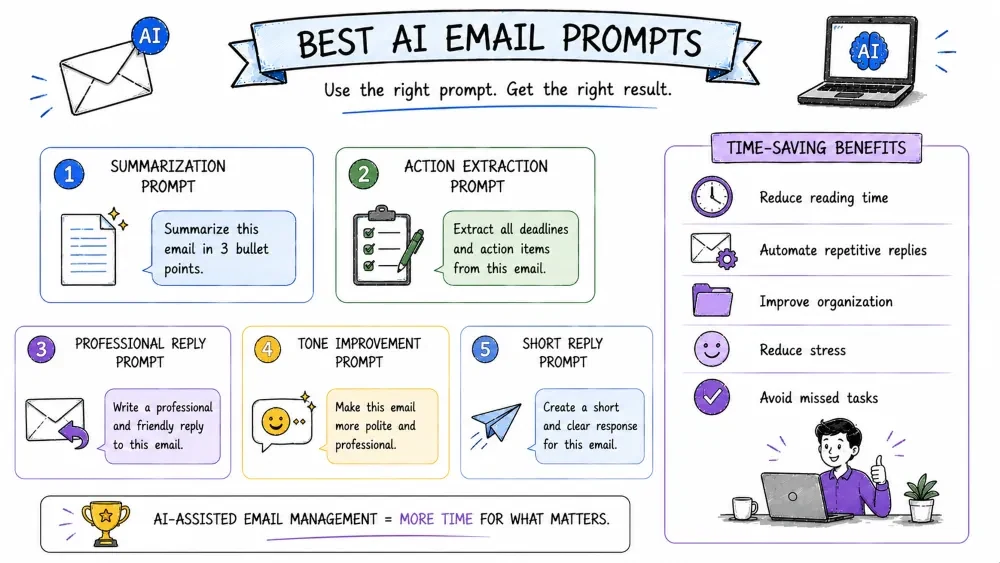
Summarize this email in 3 bullet points.
Extract all deadlines and action items from this email.
Write a professional and friendly reply to this email.
Make this email more polite and professional.
Create a short and clear response for this email.
AI helps:
Many professionals save hours weekly using AI-assisted email management.
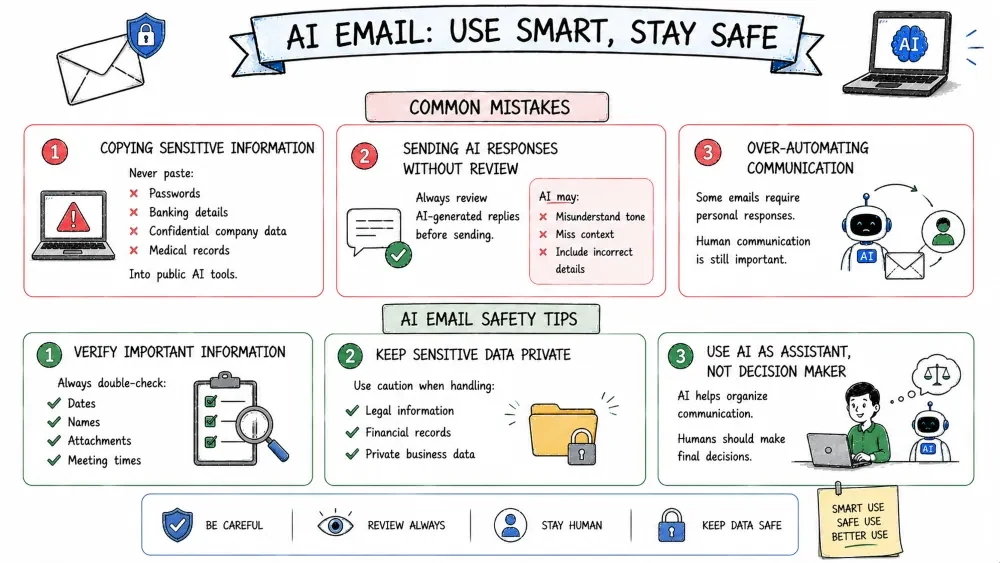
Never paste:
Into public AI tools.
Always review AI-generated replies before sending.
AI may:
Some emails require personal responses.
Human communication is still important.
Always double-check:
Use caution when handling:
AI helps organize communication.
Humans should make final decisions.
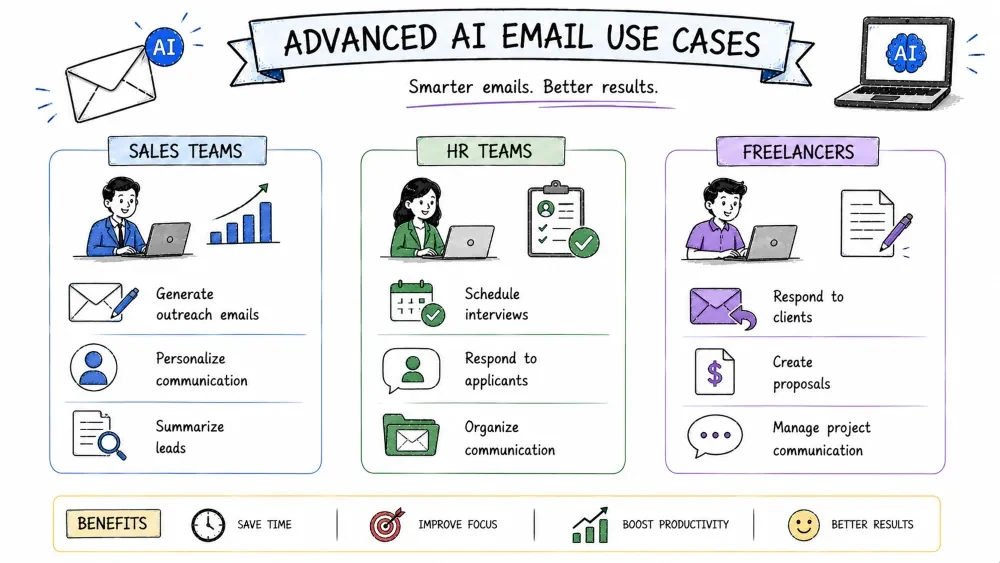
AI can:
AI helps:
AI helps:
Inbox Zero is not about having an empty inbox all the time.
It is about:
AI acts as a powerful email assistant that helps summarize, prioritize, organize, and draft responses faster than ever.
Start small by using AI for email summaries and reply drafting, then gradually build a complete AI-powered Inbox Zero workflow.
Take a long email and ask AI to:
Then compare the result with your own understanding.
Clean 50 emails in under 20 minutes using AI.
Save your progress and earn XP for completing tutorials.
Technology
AI for everyone
Lesson group
AI for daily life
Progress
75% complete

