Preparing your learning space...
60% through Customer-Facing Engineering tutorials
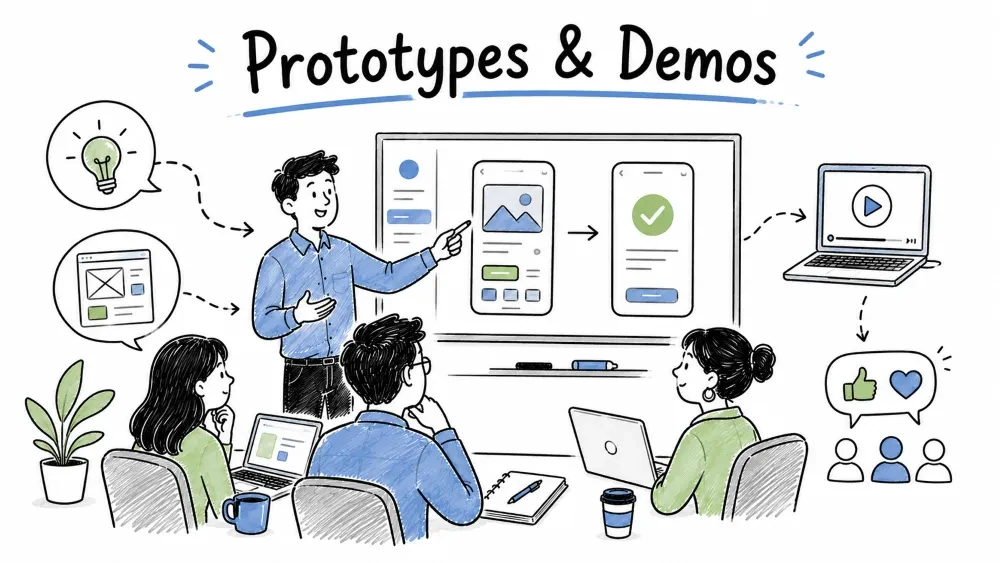
A prototype or demo is the moment your work becomes real to the customer. This tutorial covers how to present a prototype and how to run a product demonstration that builds confidence instead of nerves — including the prep, the live showing, and what to do when it goes wrong in front of them.
Presenting a prototype means showing an early, unfinished build to a customer to learn whether you're on the right track. The point is not to impress — it's to get an honest reaction while changes are still cheap (the full feedback loop is Chapter 9).
Why it is useful: a prototype shown early prevents a finished product shown late that misses the mark. The presentation is the cheapest reality check you have.
When you present, lead with the thing the customer cares about — the outcome — not the feature list. Show the result, then explain what made it possible only if they ask.
WEAK OPEN:   "Today I'll show you the new schema, the auth refactor,
              and the queuing layer we added."
STRONG OPEN: "Remember the Monday report that took 3 hours? Watch —
              here it is, done, in about 20 seconds."
Explanation: the strong open drops them straight into the payoff they asked for. The weak open front-loads internals nobody in the room can judge yet, and buries the win.
Best Practice: open every prototype presentation with the customer's own words from discovery — "you said Fridays were the nightmare, so I built the Friday view first." That proves you listened.
The critical path is the one route the customer actually depends on (Chapter 9). Rehearse that until it's boring, because that's what you'll show live.
BEFORE THE CALL — run it once, for real:
1. Log in as the customer would.
2. Do the core task end to end (the critical path).
3. Hit one edge case you built on purpose (empty data, weird value).
4. Confirm it doesn't crash and doesn't give a dangerous wrong answer.
Explanation: you're not rehearsing a speech; you're de-risking the live demo. A prototype that crashes on the critical path wastes the whole meeting. Rehearse the path, not the pitch.
Note: use realistic-looking fake data (Chapter 9). If the numbers look like test_01, the customer won't trust what they're seeing.
A product demonstration is a more formal showing of a nearer-finished build — often to more stakeholders, sometimes to decide go/no-go. The principles are the same as a prototype show, with more polish and less "tell me what you think."
Why it is useful: a good demo converts skeptics and gives champions the story to repeat internally. A bad one (nervous, rambling, broken) plants doubt that's hard to un-plant.
A demo script is a short, ordered list of what you'll show and say. You don't read it — you follow it so nothing important gets skipped under pressure.
DEMO SCRIPT — weekly-report tool
1.  Context (20s): "This replaces the 3-hour Monday copy-paste."
2.  Live task (90s): log in → open report → it's already populated.
3.  The "wow" (20s): hit 'refresh' — updates from live data, no export.
4.  Edge case (30s): show the empty-week state, not just the happy one.
5.  Close (20s): "What would make this a yes for your team?"
Explanation: the script anchors the demo to the customer's pain (step 1), proves the fix live (step 2–3), shows honesty about limits (step 4), and ends on a decision question (step 5) instead of trailing off.
Best Practice: always show at least one imperfect state. A demo that only ever shows green makes customers suspicious — and they'll find the cracks themselves later.
It will break. What you do next matters more than the bug.
DON'T:   "Uh, that shouldn't happen, let me just—" (panic, fumble)
DO:      "Good catch — that's the empty-data case we haven't handled yet.
          I'll log it now and show you the fix Thursday."
Explanation: naming the failure calmly turns a flaw into proof you're honest and responsive. Hiding it or flailing erodes trust faster than the bug itself.
Note: if the critical path dies, fall back to a screenshot or a recorded clip you prepared. Never improvise live on the broken path — switch modes and move on.
A demo is also a read. Watch for the signals:
| Signal | What it means |
|---|---|
| Leaning in at one screen | That's the feature that matters — stay there |
| Quiet after the "wow" | They're sold; stop talking |
| Re-reading a label | The wording is unclear — note it |
| "But what about…" | An objection forming — let it out (Tutorial 4) |
Best Practice: pause after each major screen. Silence lets them react; filling it with talk buries their reaction. The demo is a two-way sensor, not a monologue.
Save your progress and earn XP for completing tutorials.
4 questions · Pass with 70%+
1When presenting a prototype, open with…
2Before a live demo you should rehearse…
3 If something breaks live during a demo, the best response is to…
4After showing a major screen, you should…
Technology
Forward Deployed Engineer
Lesson group
Customer-Facing Engineering
Progress
60% complete

