Preparing your learning space...
38% through Rapid Prototyping tutorials
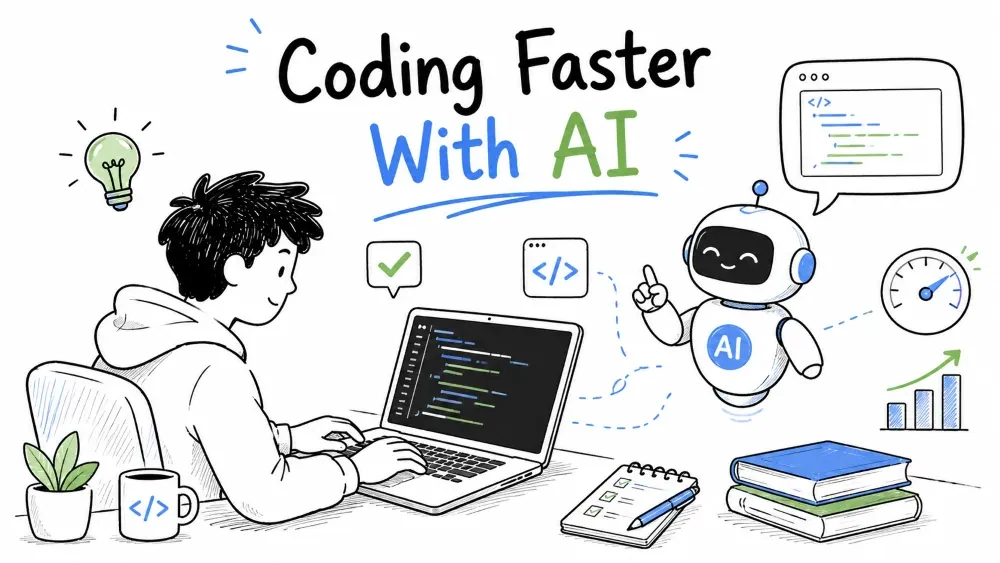
The single biggest boost to prototyping speed today is AI. An AI assistant (an LLM in your editor, terminal, or API) can turn a half-hour of boilerplate into a sub-second step — but only if you use it the way you'd use a strong junior engineer: describe clearly, review carefully, and keep it honest. This tutorial shows how to lean on AI to go from idea to working prototype faster, and how to code well with an AI pair rather than against it.
Rapid prototyping's constraint was always willingness to build the boring scaffolding — the CRUD screen, the boilerplate parser, the glue between two APIs. AI removes most of that friction, so your time goes to the parts that need a human: deciding what to build, deciding what actually matters, and judging whether the result is right.
The practical result: the "day-box" from Tutorial 2 can become an "hour-box" for the build step. Not because AI finishes your thinking — because it does the typing behind a clear outline you still must write.
Stay honest about the tool to avoid two failure modes: trusting it blindly, or dismissing it entirely.
| AI is strong at | AI is weak at |
|---|---|
| Generating boilerplate and glue code | Knowing your business's real edge cases |
| Writing a first draft from a clear spec | Getting the exact requirements right unasked |
| Translating between languages/formats | Remembering your project's own constraints |
| Explaining unfamiliar code idiomatically | Knowing what your customer actually wants |
The rule that follows: AI writes drafts you judge. The moment the draft hides a decision that changes what the product does, you're the one who must notice — the AI won't know.
Good AI output starts with a good prompt. The fastest prototype uses a prompt that reads like a mini-spec. The reliable skeleton:
You're a Python engineer prototyping for me.
Write a Streamlit app (single file) that shows a
table of customer invoices from customers.csv and
an input to filter by customer name.
Use plain pandas, no extra libraries, no auth.
Reply with only the Python code.
Explanation: the prompt gives the AI a role, a concrete deliverable, exact constraints, and a format. Vague asks ("make me a tool") produce vague, over-engineered results. Specific asks produce something you can run in minutes.
Plug AI into every building step of the loop (hypothesize → build → test → learn → iterate):
Do not let AI skip the test/learn steps. Whether the prototype works for the customer is a human judgment the AI can't make; it can only help you build more quickly toward the moment of truth.
Here's a real use — asking an API-based assistant for the initial skeleton of your prototype, then inspecting it:
from openai import OpenAI

client = OpenAI()

resp = client.responses.create(
    model="your-model",                   # or any capable model your stack exposes
    input=(
        "Write a FastAPI app exposing GET /metrics that returns "
        "JSON: {daily_revenue, active_users}. No database, hard-code a list. "
        "One file, ready to run with uvicorn."
    ),
)
print(resp.output_text)                   # the generated skeleton — now you review it
Explanation: this hands the boilerplate to the model. What you must not do is run it blind — the skeleton is a starting point you read, fix, and shape before it becomes your prototype.
Think of the AI as a very fast, slightly-short-on-context junior engineer sitting beside you. Good partnerships share habits, and these habits translate:
Where a human pair remembers your conversation and product, the AI does not — so treat its memory as empty each time and give it what it needs in the prompt.
Never accept generated code because it exists — the two-pass rule keeps you honest:
Pass 1 — Generate: get a working draft fast and unfiltered. Pass 2 — Verify (non-negotiable):
Only code you have actually run and read is yours. The AI can write perfect-looking code that references a package you don't have or a field that doesn't exist — running it either confirms it or surfaces exactly that.
Prototype you didn't write? Speed learning by asking the AI to explain it before you change it:
Explain what this function does, line by line, in plain English.
Then point out where it could fail given customer names with
commas. Be direct and short.
And for debugging, paste the error plus the intent — the AI often spots what a human eye misses, or at least restates the problem so clearly that you spot it:
Here is the error and my code. The prototype mostly works but
fails when no customers exist. What's the cause and the fix?
Note: treat AI explanations as hypotheses, not gospel. When in doubt, trace the code with your own eyes — the same two-pass discipline as for generated code.
Keep prompts short. A dense one-liner with constraints outperforms a paragraph of vague intent.
The AI will happily produce confident answers about your product, business rules, and customer behavior — where it has almost no information. Stop trusting it the instant the question leaves "how to code X" and enters "what should the product do":
In short: AI is an expert at typing a value but an amateur at knowing what's valuable. Keep it out of product decisions, and it will go from a liability to your fastest assistant.
Save your progress and earn XP for completing tutorials.
4 questions · Pass with 70%+
1What is AI strongest at in prototyping?
2What does the "two-pass rule" require?
3Which prompt shape produces the most targeted result?
4When should you stop listening to the AI?
Technology
Forward Deployed Engineer
Lesson group
Rapid Prototyping
Progress
38% complete

