Preparing your learning space...
31% through AI + Excel Projects tutorials
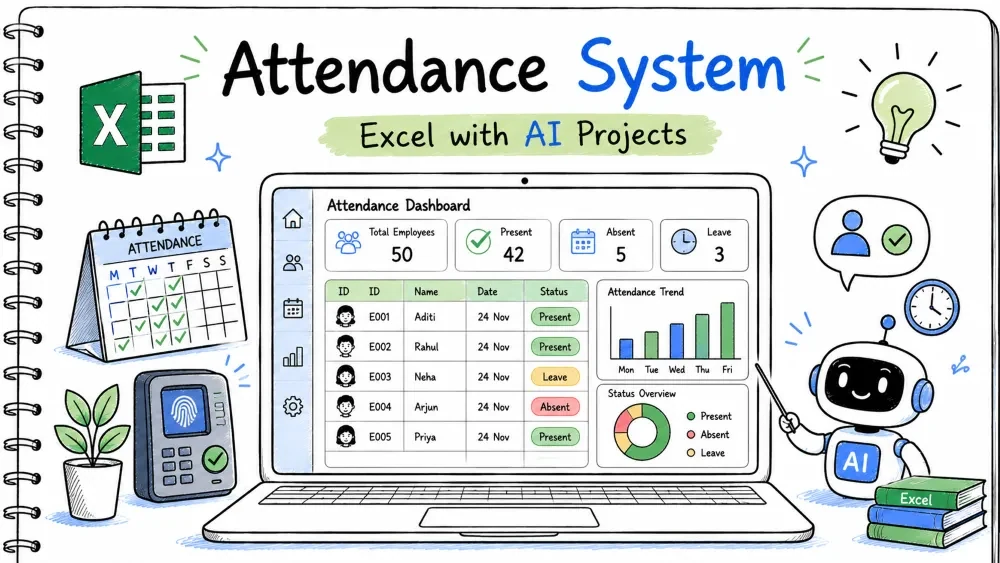
An attendance system records who was present, absent, or late each day and totals it per person. You build it in Excel and use Copilot and ChatGPT to write the COUNTIFS and a check-in form.
attendance-system.xlsx
│
├── Sheet: People     (EmpID, Name)
├── Sheet: Attendance (Date, EmpID, Status)
├── Sheet: Summary    (per-person counts and %)
└── Module: AttendMacros (VBA)
A table named Att with Date, EmpID, Status.
Every attendance record lives here for counting.
Make the table and add a dropdown for Status using Data > Data Validation with the list Present,Absent,Late.
=COUNTA(Att[EmpID])
Ask ChatGPT:
"How do I add a dropdown in Excel with the options Present, Absent, Late?"
Columns for Present, Absent, and Late counts per person.
You need a total for each status to judge attendance.
On Summary, link EmpID in A2.
=COUNTIFS(Att[EmpID], A2, Att[Status], "Present")
=COUNTIFS(Att[EmpID], A2, Att[Status], "Absent")
=COUNTIFS(Att[EmpID], A2, Att[Status], "Late")
(range, criteria) filter by person and status.Ask Copilot:
"Write COUNTIFS that counts rows where EmpID equals A2 and Status equals Present."
A percentage of present (and late counted as half) days.
A single number shows reliability.
=IFERROR((Present+(Late*0.5))/Total_Days, 0)
Ask ChatGPT:
"Write an Excel formula for attendance percent where late counts as half, with divide-by-zero protection."
A form to record today's status for a person.
Faster than typing into the table by hand.
Insert a UserForm with EmpID, Date, and Status boxes plus a button.
Private Sub cmdSave_Click()
    Dim ws As Worksheet
    Set ws = Sheets("Attendance")
    Dim r As Long
    r = ws.Cells(ws.Rows.Count, 1).End(xlUp).Row + 1
    ws.Cells(r, 1).Value = txtDate.Value
    ws.Cells(r, 2).Value = txtID.Value
    ws.Cells(r, 3).Value = txtStatus.Value
    MsgBox "Saved"
End Sub
txtStatus.Value takes the chosen status from the form.Ask ChatGPT:
"Write VBA that adds a new row to an Attendance sheet with Date, EmpID, Status from a form."
=COUNTIFS(Att[EmpID], A2, Att[Status], "Present")
=COUNTIFS(Att[EmpID], A2, Att[Status], "Absent")
=COUNTIFS(Att[EmpID], A2, Att[Status], "Late")
=IFERROR((Present+(Late*0.5))/Total_Days, 0)
Private Sub cmdSave_Click()
    Dim ws As Worksheet
    Set ws = Sheets("Attendance")
    Dim r As Long
    r = ws.Cells(ws.Rows.Count, 1).End(xlUp).Row + 1
    ws.Cells(r, 1).Value = txtDate.Value
    ws.Cells(r, 2).Value = txtID.Value
    ws.Cells(r, 3).Value = txtStatus.Value
    MsgBox "Saved"
End Sub
ChatGPT: "Dropdown with Present, Absent, Late."
Copilot: "COUNTIFS EmpID A2 and Status Present."
ChatGPT: "Attendance percent, late as half, error handled."
ChatGPT: "VBA add row Date, EmpID, Status."
attendance-system.xlsx.Input: Emp E001 — Present, Present, Absent. Expected Output: Present 2, Absent 1, Late 0, percent 66.7%. Explanation: COUNTIFS separates statuses; percent divides by 3 days.
Input: E001 — Present, Late. Expected Output: Percent (1 + 0.5)/2 = 75%. Explanation: Late counts as half a present day.
Input: No rows for E002. Expected Output: Percent 0 (not an error). Explanation: IFERROR returns 0 when Total_Days is 0.
Problem: Count is blank. Reason: Status text does not match exactly (e.g., "present"). Solution: Use the dropdown so casing stays consistent.
Problem: Error on a new person. Reason: Total days is zero. Solution: Wrap the formula in IFERROR as in Step 3.
Problem: Data missing from Attendance.
Reason: Sheet name in VBA differs.
Solution: Match Sheets("Attendance") to your real sheet name.
Save your progress and earn XP for completing tutorials.
4 questions · Pass with 70%+
1Formula to count presents for one person?
2Late counts as half a present day; percent formula needs?
3What does =IF(AND([@Status]<>"Done", [@Due]<TODAY()),"Overdue","OK") check?
4ChatGPT can?
Technology
Excel with AI
Lesson group
AI + Excel Projects
Progress
31% complete

