Preparing your learning space...
29% through Deployment & Cloud tutorials
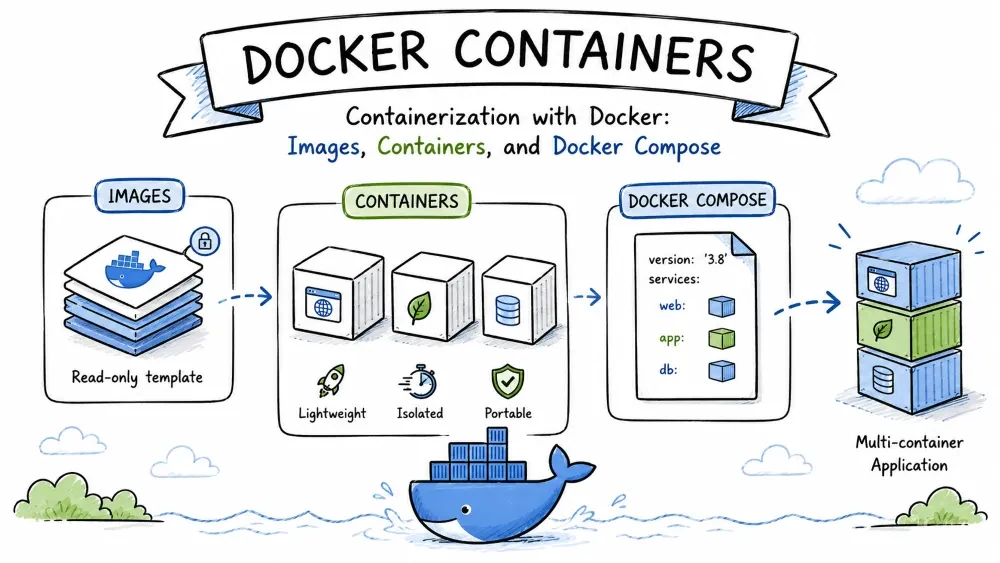
Containers package an application and its dependencies into a lightweight, portable unit. Docker is the most widely used tool for building and running containers.
Docker Fundamentals explain how to create images, run containers, and manage registries.
Why it is useful: Containers ensure consistent environments across development, testing, and production.
Example:
# Build an image from a Dockerfile
docker build -t myapp .

# Run a container from the image
docker run -d -p 8080:80 myapp
These commands illustrate building and running a containerized application. The -t flag tags the image with a name, -d runs it detached (in the background), and -p maps the host port 8080 to the container's port 80.
Common Mistakes
. at the end of docker build, which tells Docker where the build context is.docker system prune.Containers are isolated environments that encapsulate code, runtime, and dependencies, eliminating "works on my machine" issues.
Why it is useful: They provide portability and simplify deployment across diverse platforms.
Example:
services:
  web:
    image: myapp
    ports:
      - "8080:80"
This docker-compose file defines a service that runs the myapp container and maps port 8080 to the container's port 80. With docker compose up, you can start a multi-service stack from a single file.
Best Practices
.dockerignore file to keep build context small (skip node_modules, .git, etc.).alpine to reduce image size and attack surface.Save your progress and earn XP for completing tutorials.
Technology
Forward Deployed Engineer
Lesson group
Deployment & Cloud
Progress
29% complete

