Preparing your learning space...
50% through FDE with AI Coding Tools tutorials
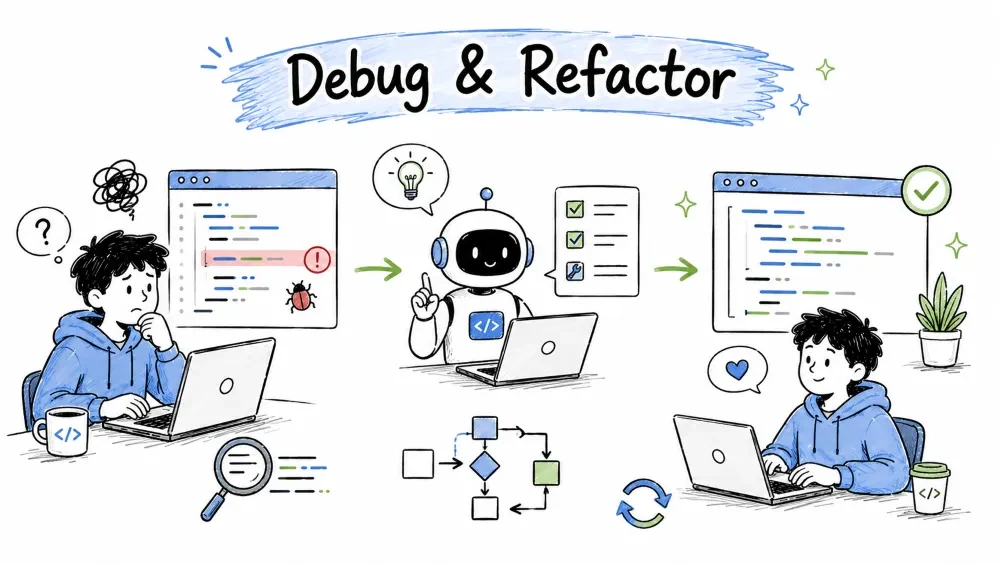
Once code runs (or doesn't), you move into the two skills that keep it healthy: debugging (finding why code breaks and fixing it) and refactoring (making code cleaner without changing what it does). AI accelerates both enormously — instead of staring at an error for an hour, you paste it and get a clean explanation and fix. This tutorial shows you how to use AI to fix problems and tidy up code with confidence.
Debugging is finding out why code doesn't work and fixing it. It's often the most frustrating part of programming — but AI makes it dramatically faster. You give it three possible inputs: (1) an error message, (2) the failing code, or (3) a description of the wrong behavior. The AI figures out the cause and suggests a fix, because it has seen the same errors thousands of times.
The quickest debugging win is pasting the actual error text straight into the AI.
Prompt:
I get this error:
NameError: name 'price' is not defined
at line 12 of my function
Example broken code:
def checkout(cart, prices):
 total = 0
 for item in cart:
 total += price[item] # BUG: variable is 'prices', not 'price'
 return total
The line uses price (singular) but the variable was named prices (plural) — a typo where the reference doesn't match the defined name. The AI points to exactly that line, saving you the hunt.
Fix:
total += prices[item]
Some bugs produce no error at all — the code runs but gives the wrong result. These are the sneakiest. Describe the wrong behavior and show the code.
Prompt:
This function should return True when the number is between 1 and 10
inclusive, but it returns wrong results. What's wrong?
def is_between(n):
 return 1 < n < 10 # BUG: 1 and 10 are excluded
The comparison 1 < n < 10 is strict, so it excludes 1 and 10 themselves. "Between 1 and 10 inclusive" needs <=:
def is_between(n):
 return 1 <= n <= 10
The AI compared your stated intent ("inclusive") with the actual logic and found the mismatch. The bug wasn't a crash — it was a subtle off-by-one in the comparison operators.
Sometimes the AI itself writes a bug — or writes code you don't understand. Rather than debugging blind, ask the AI to inspect its own output.
Prompt:
Review this code you just gave me. Will it fail on an empty list?
What edge cases does it not handle?
This makes the AI think like a bug-hunter instead of a code-writer. It often spots the very issue it introduced moments ago, turning a potential bug into a teaching moment.
When stuck with a confusing bug, use this 3-step structure:
Prompt that uses all three:
I expect double([1,2,3]) to give [2,4,6], but it prints [1,2,3,1,2,3].
Here is the smallest failing version:

def double(arr):
 return arr + arr
arr + arr concatenates the list with itself (produces a duplicate list) instead of doubling each element. The fix is to multiply each value:
def double(arr):
 return [x * 2 for x in arr]
Refactoring means improving code so it is cleaner, faster, or easier to read — without changing what it does. The behavior stays identical; the structure improves. It's like tidying a kitchen: the food comes out the same, but the space is easier to work in afterward. AI removes most of the effort, so cleaning code stops feeling like a chore.
Duplicated blocks are the most common (and most valuable) refactor targets. Ask the AI to spot and merge them.
Prompt:
This code repeats itself. Extract the repeated part into a helper
function without changing the results.
Before:
def area_square(side):
 if side <= 0:
 return 0
 return side * side

def area_circle(radius):
 if radius <= 0:
 return 0
 return 3.14159 * radius * radius
After:
def _require_positive(value):
 return max(value, 0)

def area_square(side):
 side = _require_positive(side)
 return side * side

def area_circle(radius):
 radius = _require_positive(radius)
 return 3.14159 * radius * radius
The "return 0 if not positive" logic was pulled into one helper. Both functions still return identical results — they're just shorter and the rule lives in one place.
Bad names hide what code does. AI can rename things clearly and consistently.
Prompt:
Rename these variables to be more descriptive, keeping the logic identical:
Before:
def calc(p, r, t):
 return p * r * t / 100
After:
def calculate_simple_interest(principal, rate, time):
 return principal * rate * time / 100
calc became calculate_simple_interest, and p/r/t became principal/rate/time. The math never changed, but now anyone reading the code knows exactly what it does.
A 100-line function is hard to read and test. Ask the AI to split it into steps.
Prompt:
This function does four separate things. Split it into smaller
functions, one per concern, and call them from a main function.
Keep the behavior the same.
The AI will separate "get the data," "validate the data," "process the data," and "format the output" into their own functions, then wire them together. Each piece becomes easier to read and test.
Refactoring can accidentally change behavior. Guard against that:
Save your progress and earn XP for completing tutorials.
4 questions · Pass with 70%+
1You get an error message. What's the fastest fix?
2A bug gives a wrong result but no error. What's the best prompt?
3What does refactoring mean?
4 Which practice is most important for safe refactoring?
Technology
Forward Deployed Engineer
Lesson group
FDE with AI Coding Tools
Progress
50% complete

