Preparing your learning space...
67% through FDE with AI Coding Tools tutorials
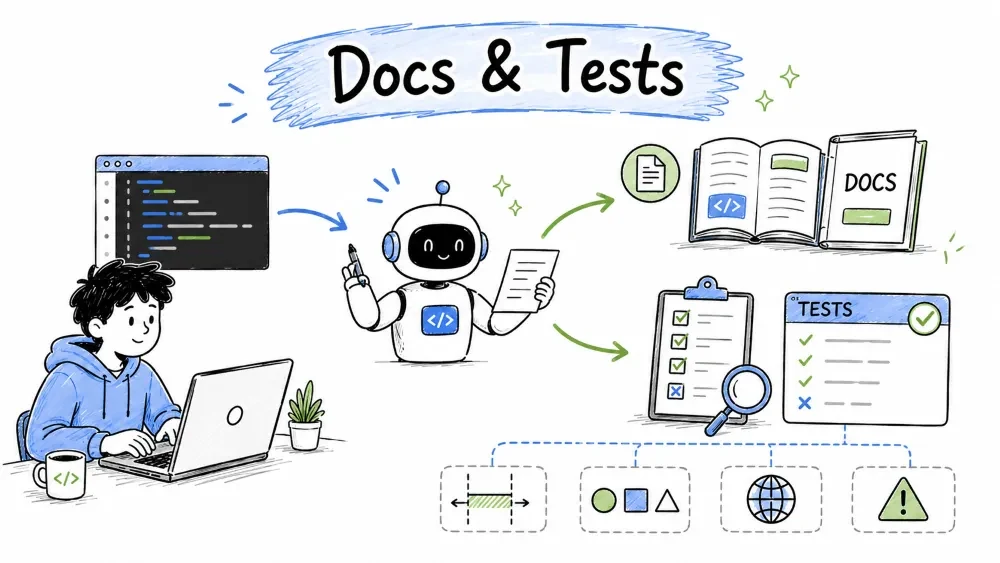
Documentation explains what your code does; tests check that it actually works. Together they make code understandable and safe to change. Most developers skip both because they're tedious — but AI generates them for you, so you get the full benefit without the chore. This tutorial shows how to turn your code into clear docs and solid tests automatically.
Code that's hard to understand gets avoided, broken, and rewritten. Good documentation tells a reader (including future-you) what a piece of code does without them tracing through every line. Documentation is a repetitive, low-creativity task — the exact thing AI is best at. You describe the features or paste the code, and the AI writes clear, natural docs in seconds.
The most basic form of documentation is explaining code as you write it.
Prompt:
Add clear comments and a docstring to this Python function. Explain
what it does, its parameters, and what it returns.
def discount_price(price, percent):
    return price * (1 - percent / 100)
Result (what AI produces):
def discount_price(price, percent):
    """Apply a percentage discount to a price.

    Args:
        price (float): the original price.
        percent (float): discount percentage (e.g., 10 for 10%).

    Returns:
        float: the reduced price.
    """
    return price * (1 - percent / 100)
The AI turned one cryptic line into self-documenting code with a clear contract — anyone can now see what goes in and what comes out.
A README is the front door of a project. AI can draft a whole one.
Prompt:
Write a README for this project. It's a Python CLI tool that renames
batches of image files. Include: what it does, how to install it,
the basic usage command, and an example.
The AI produces a clean README with sections for overview, install, usage, and example — the standard structure. You review and adjust it to match your real tool, and you're done in minutes.
When your code is used by others (like a library or a web API), precise documentation matters a lot.
Prompt:
Document this API endpoint:
POST /api/users with JSON {"name": "...", "email": "..."}
- creates a user, returns 201 with the new user's id, or 400 if email invalid.
Write it as an API reference with request/response examples.
The AI formats it into a clear reference: the endpoint, its method, request body, responses, and example call. That's the kind of doc teams usually put off for months.
For on-boarding, ask the AI to write a step-by-step setup guide from your project files.
Prompt:
Here is my project structure (list your folders/files). Write a
Getting Started guide for a new developer: prerequisites, install
steps, run command, and a first example.
The guide walks a newcomer from zero to running your project — which saves you from answering the same setup questions over and over.
Docs go stale when code changes. Use AI to help maintain them:
A test is code that calls your real code with known inputs and checks that the outputs are correct. If a test fails, something is broken. Tests are the safety net that lets you change code confidently. Test-writing is formulaic (input → expected output → assert), which makes it a perfect AI task: you give it a function, it writes a battery of tests, and you know your code works.
The most common request: turn a function into a set of tests.
Prompt:
Write unit tests for this function using [Python/PyTest|Jest|JUnit].
Cover normal cases and a few edge cases:
def discount_price(price, percent):
    return round(price * (1 - percent / 100), 2)
Generated tests (PyTest):
from discount import discount_price

def test_normal_discount():
    assert discount_price(100, 10) == 90.0

def test_zero_percent():
    assert discount_price(100, 0) == 100.0

def test_full_discount():
    assert discount_price(50, 100) == 0.0

def test_rounding():
    assert discount_price(19.99, 15) == 16.99
Four focused tests cover the normal case, a zero discount, a full discount, and rounding. If any future change breaks this function, the tests flag it instantly.
Edge cases are the unusual inputs that sneakily break production code. The best prompts ask the AI to hunt for them.
Prompt:
Add tests for these edge cases on the same function:
- price is 0
- percent is negative
- percent is greater than 100
- very large price
The AI will add tests like discount_price(0, 10) == 0.0, check how negative percents behave (does it add to the price?), and flag anything surprising. This is where tests pay off most — the cases nobody thinks to type by hand.
Tests aren't just for new code — they protect future changes. When you refactor (Tutorial 03), run the existing tests to prove behavior stayed the same.
Prompt:
I'm refactoring this function to be more readable. Confirm the old
and new versions give identical results for these inputs: [list them].
The AI runs the inputs through both versions and reports any difference — a quick check that refactoring didn't change behavior. Pair this with real tests and you're safe.
Different languages have standard test tools. When you ask for tests, name the framework so the AI follows the right conventions:
| Language | Common framework | When you'd ask |
|---|---|---|
| Python | PyTest, unittest | "write PyTest tests for..." |
| JavaScript/Node | Jest | "write Jest tests for..." |
| Java | JUnit | "write JUnit tests for..." |
| Web (browser) | Playwright, Cypress | "write a smoke test that..." |
If you don't know a framework, just ask: "what's the common test setup for this language, and show me an example?"
Save your progress and earn XP for completing tutorials.
4 questions · Pass with 70%+
1Why is AI particularly good at documentation?
2What is the purpose of a test?
3 Beyond the normal case, what should you ask AI to test?
4Which prompt produces the most useful tests?
Technology
Forward Deployed Engineer
Lesson group
FDE with AI Coding Tools
Progress
67% complete

