Preparing your learning space...
83% through MySQL with Programming Languages tutorials
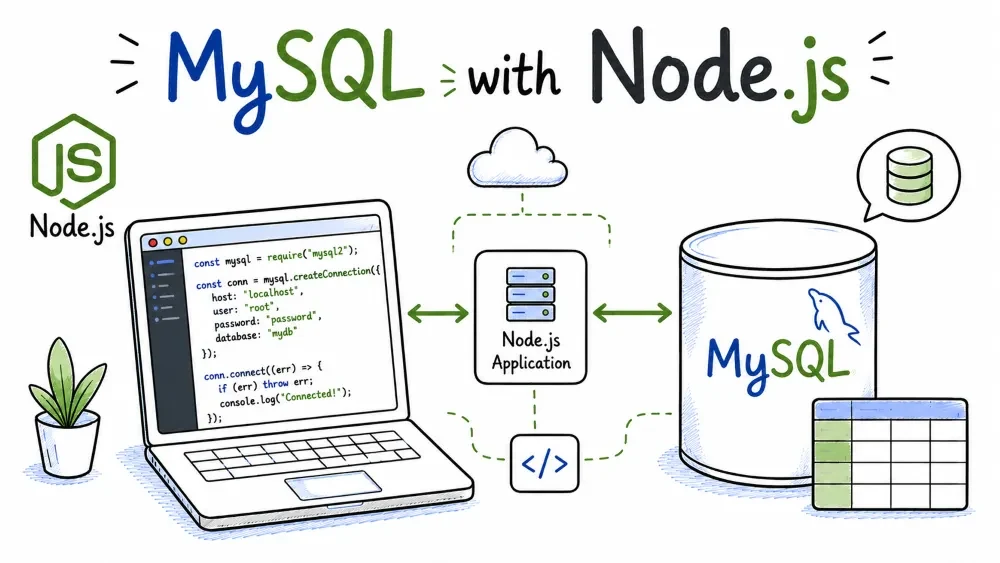
Node.js talks to MySQL through mysql2, which is the community's modern driver of choice. The thing that makes Node different from the other languages in this series is that everything is asynchronous — your database calls return promises, and you'll write await around them. That takes a beat to get used to, but it's also what lets Node serve many requests without blocking.
This tutorial uses the promise-based API, which reads almost like synchronous code. You'll need Node.js 14+ (18 or newer is ideal) and MySQL running locally.
There are two packages you'll run into: mysql (the original) and mysql2 (the modern one).
mysql uses callbacks. You get results through function (err, results) { ... }. It works, but the code nests quickly and nobody writes callbacks by hand anymore.mysql2 supports promises and async/await, has better performance, and is a drop-in replacement — the connection options are nearly identical.Use mysql2. It's what the frameworks (and most of the ecosystem) use now. If you ever see a tutorial importing from mysql, mentally substitute mysql2 and you'll be fine.
Create a folder, initialise a project, and install:
mkdir shop-app
cd shop-app
npm init -y
npm install mysql2
You'll now have a node_modules folder and a package.json. Everything you write goes in a .js file next to them, say test_shop.js.
mysql2 gives you both a single connection and a pool. For scripts and learning, a single connection is enough:
const mysql = require('mysql2/promise');

const conn = await mysql.createConnection({
  host: 'localhost',
  port: 3306,
  user: 'root',
  password: 'your_password',
  database: 'shop'
});
The require('mysql2/promise') part is what gets you the promise version. (Top-level await works in modern Node and in modules; in a plain script you'd wrap the code in an async function main() and call it — the complete example below shows that.)
For anything beyond a learning script, you'll want a pool instead — it reuses connections so a busy server doesn't create one per request:
const pool = mysql.createPool({
  host: 'localhost',
  user: 'root',
  password: 'your_password',
  database: 'shop',
  waitForConnections: true,
  connectionLimit: 10
});

// later, instead of conn.query(...):
// pool.query(...)
A pool's query() borrows a connection, runs the query, and returns it automatically. Same API, better behaviour.
Prepared statements in mysql2 use ? placeholders. The value is passed as an array as the second argument:
const [result] = await conn.execute(
  'INSERT INTO users (name, email, age) VALUES (?, ?, ?)',
  ['Ada Lovelace', 'ada@example.com', 36]
);

console.log('Inserted user with id', result.insertId);
Notice the destructuring on the left: [result]. Every query returns an array of two things — the result (or rows), and the fields metadata. You almost always want the first one, so [result] is the standard pattern you'll see everywhere.
Never glue values into the string:
// BAD — don't do this
await conn.query("INSERT INTO users (name, email, age) VALUES ('" + name + "', ...)");
const [rows] = await conn.query('SELECT id, name, email, age FROM users');

for (const row of rows) {
  console.log(`${row.name} — ${row.email}`);
}
Rows come back as an array of objects, so row.name, row.email, row.id just work. With a single connection there's no fetchall/fetchone distinction — you get the whole array and use .length, [0], or a for...of loop.
For a query with input, same placeholders:
const [rows] = await conn.execute(
  'SELECT * FROM users WHERE email = ?',
  ['ada@example.com']
);

if (rows.length > 0) {
  console.log('Found:', rows[0].name);
}
Same pattern. For writes, the result object carries affectedRows:
const [updateResult] = await conn.execute(
  'UPDATE users SET age = ? WHERE email = ?',
  [37, 'ada@example.com']
);
console.log(updateResult.affectedRows, 'row(s) updated');

const [deleteResult] = await conn.execute(
  'DELETE FROM users WHERE email = ?',
  ['grace@example.com']
);
console.log(deleteResult.affectedRows, 'row(s) deleted');
By default mysql2 has autocommit on, so writes save immediately — no manual commit step like in the Python driver. If you need several statements to commit together, you'd start a transaction (conn.beginTransaction()), run them, and conn.commit() — which matches the Transactions tutorial from earlier.
mysql2 has two methods for running SQL, and the difference is worth knowing:
query() sends the SQL to the server as-is. Fast, and it's the right choice for SELECTs with no user input and for simple statements.execute() sends the SQL as a prepared statement — the query and the values travel separately, which protects against injection. Use it whenever the query takes input.So the rule is simple: no input → query(), input → execute(). Both return [results, fields], and both accept the same placeholder syntax.
Errors are plain JavaScript errors, so a try/catch around your await calls is all it takes:
const mysql = require('mysql2/promise');

try {
  const conn = await mysql.createConnection({
    host: 'localhost',
    user: 'root',
    password: 'your_password',
    database: 'shop'
  });

  const [rows] = await conn.query('SELECT * FROM users');
  console.log(rows);

  await conn.end();
} catch (err) {
  console.error('Database error:', err.message);
}
Two Node-specific gotchas while you're learning:
await chain is inside a try/catch or has a .catch().await conn.end() when the script is done. Otherwise Node may exit before the connection finishes closing, and your last few queries can get cut off.Save this as test_shop.js and run node test_shop.js. Because Node doesn't allow top-level await in a plain CommonJS file, the code lives inside an async main function.
const mysql = require('mysql2/promise');

async function main() {
  const conn = await mysql.createConnection({
    host: 'localhost',
    user: 'root',
    password: 'your_password',
    database: 'shop'
  });

  console.log('Connected to shop.');

  // INSERT
  const [insertResult] = await conn.execute(
    'INSERT INTO users (name, email, age) VALUES (?, ?, ?)',
    ['Ada Lovelace', 'ada@example.com', 36]
  );
  console.log('Inserted user with id', insertResult.insertId);

  // SELECT
  const [rows] = await conn.query('SELECT id, name, email, age FROM users');
  for (const u of rows) {
    console.log(`${u.id}. ${u.name} — ${u.email} (${u.age})`);
  }

  // UPDATE
  const [updateResult] = await conn.execute(
    'UPDATE users SET age = ? WHERE email = ?',
    [37, 'ada@example.com']
  );
  console.log(updateResult.affectedRows, 'row(s) updated');

  // DELETE
  const [deleteResult] = await conn.execute(
    'DELETE FROM users WHERE email = ?',
    ['grace@example.com']
  );
  console.log(deleteResult.affectedRows, 'row(s) deleted');

  await conn.end();
}

main().catch((err) => {
  console.error('Error:', err.message);
});
Run it:
node test_shop.js
If you see ER_BAD_DB_ERROR, the shop database doesn't exist yet — create it with the SQL from the overview. If it's an access error, check the password.
Save your progress and earn XP for completing tutorials.
4 questions · Pass with 70%+
1Which driver does the tutorial use?
2Why the [rows] in const [rows] = await conn.query(...)?
3Which method sends a true prepared statement (input-safe)?
4Why does Node use await for database calls?
Technology
MySQL
Lesson group
MySQL with Programming Languages
Progress
83% complete

